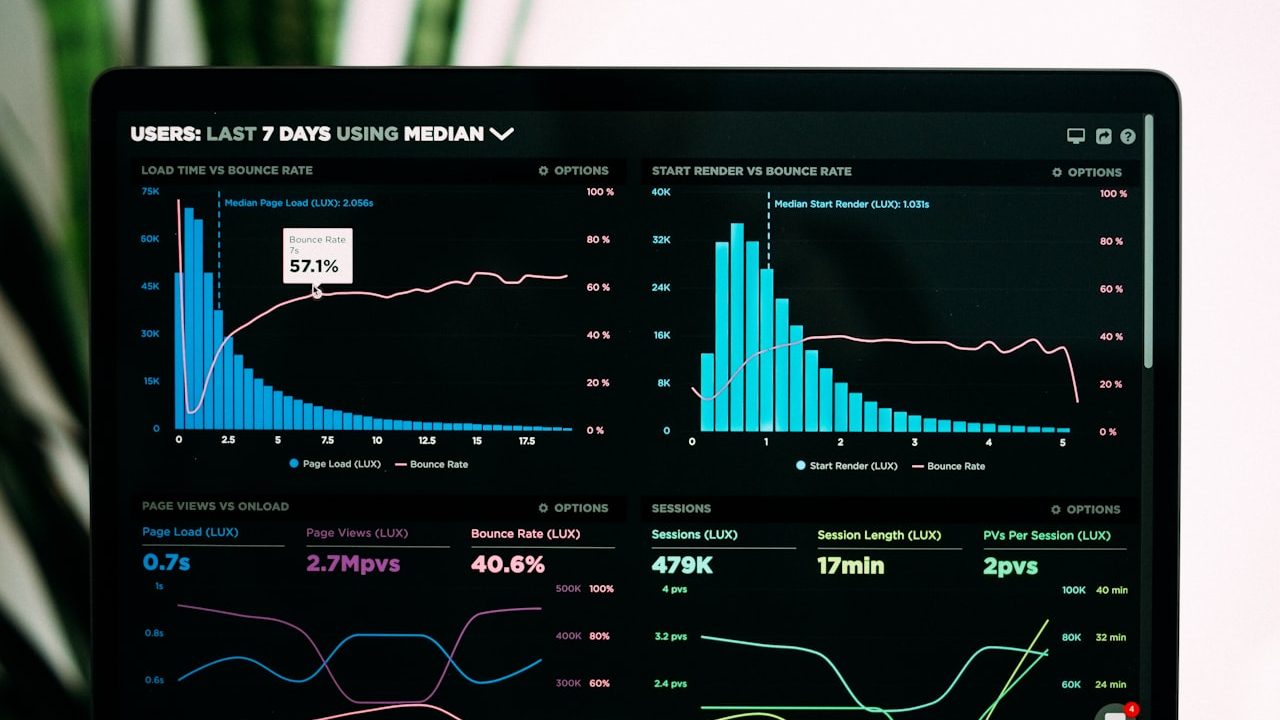
Website speed optimization in twelve practical steps: images, caching, a CDN, critical CSS, Core Web Vitals and tools for ongoing measurement.
Website speed optimization is a critical metric affecting Google rankings and conversion rates. Loading delays can contribute to visitors leaving; measure the effect using your own user data. Google uses Core Web Vitals measure loading, responsiveness and visual stability. This guide covers twelve practical ways to improve them.
Core Web Vitals: Google’s 3 User Experience Metrics
| Metric | What Does It Measure? | Good Target |
|---|---|---|
| LCP (Largest Contentful Paint) | Time until the largest visible content element renders | < 2.5 seconds |
| INP (Interaction to Next Paint) | Responsiveness to user interactions | < 200 ms |
| CLS (Cumulative Layout Shift) | Unexpected visual movement | < 0.1 |
Use PageSpeed Insights, the Search Console → Core Web Vitals report and Chrome DevTools Lighthouse. Field data and lab diagnostics answer different questions, so review both.
12 Practical Ways to Speed Up Your Website
1. Use WebP and AVIF Images
Images can account for a significant share of page weight. The size savings from AVIF and WebP depend on image content and quality settings; compare outputs at the same visible quality. Use the <picture> element to offer modern formats with a JPEG fallback.
2. Set Image Dimensions and Use Lazy Loading
Explicit dimensions reserve space and reduce layout shifts. Add loading="lazy" to off-screen images. The LCP image should not be lazy-loaded; consider fetchpriority="high" and a carefully chosen preload.
3. Configure Browser and Page Caching
Use a long-lived Cache-Control header for versioned static assets and server-side full-page caching where safe. For dynamic PHP sites, caching can substantially reduce TTFB (time to first byte). Do not cache private or checkout responses as public pages.
4. Inline Critical CSS
Embedding the CSS needed for the first visible screen and deferring non-critical styles can reduce render-blocking work. Keep the inline portion small and maintainable.
5. Remove Unused JavaScript
Themes often load sliders, animations and plugin scripts that a page does not use. Find unused code with the Coverage tool and defer appropriate third-party scripts, such as chat or analytics, with defer/async.
6. Enable Brotli or Gzip Compression
For HTML, CSS and JavaScript files, Brotli and Gzip output sizes vary with content and compression level. If your server does not support Brotli, enable at least Gzip.
7. Use a CDN
Serving content from a location closer to the visitor can reduce latency. This is particularly useful for Antalya tourism websites attracting visitors from Turkey and overseas.
8. Optimise Font Loading
Remove unused font weights, use font-display: swap and consider self-hosted WOFF2 files. Load only the character sets your content needs.
9. Choose Suitable Hosting
Shared-server load can increase response times. In this case, evaluate frontend improvements alongside server measurements. PHP 8.3+, OPcache and SSD/NVMe storage should be standard.
10. Optimise Database Queries
Slow queries, missing indexes and N+1 query patterns increase server response time. Appropriate indexing and query caching can improve dynamic pages.
11. Remove Redirect Chains
Chains such as http → https → www add latency at each step. Redirect directly to the final URL where possible.
12. Review Third-Party Resources
Every marketing pixel, map and chat widget uses part of your performance budget. Review them quarterly, remove unused tools and delay non-essential ones until they are needed.
How Speed Relates to SEO
Speed alone will not put a site in first place; Core Web Vitals are one of the signals used in ranking assessments. Meeting the thresholds does not secure a particular ranking. A fast site also uses crawl budget efficiently, allowing Google to crawl more pages more frequently. For a comprehensive strategy, see our guide to improving Google visibility for the wider strategy.
Frequently Asked Questions
Does my PageSpeed score have to be 100?
No. Real-user Core Web Vitals data from CrUX matters more than chasing a perfect lab score. A mobile score above 90 can be a useful project target, but reaching 100 may not justify the cost.
How can I find out why my website is slow?
Start with PageSpeed Insights. A high LCP may point to images or server response; a high INP often points to JavaScript; a high CLS may involve images or ad slots without reserved space. Use the diagnostics to investigate rather than assuming one cause.
Why are some template-based websites slow?
Large CSS and JavaScript libraries, unoptimised images and excess plugins can add unnecessary weight. Read more in Ready-Made Theme or Custom Web Design?
Conclusion
Site speed combines technical infrastructure, image discipline and continuous measurement. These twelve steps provide a framework for improvement; Core Web Vitals results must be measured against infrastructure, content and real usage conditions. Contact us for a free initial speed analysis. Our SEO and performance services set measurable targets, including Lighthouse scores where appropriate, without promising a particular result.