Website redesign should solve real problems. Review seven warning signs, the project process and SEO migration planning before investing in a rebuild.
Website Redesign: Is It Time?
Website redesign starts with assessing your business’s digital shopfront. Technology, customer expectations and your own services change over time. A redesign is not simply a cosmetic decision: it may address lost enquiries, an unclear brand message or technical problems. Here is how to assess whether the investment is justified.
7 Signs Your Website May Need a Redesign
1. The Design Is 3–5 Years Old
Design trends change quickly. A website that looked modern in 2019–2020 may look dated in 2026. Visitors form an impression at first glance. Dated design signals a lack of trust and reduces conversion.
2. The Mobile Experience Is Poor
The mobile share of traffic varies by audience; review device distribution in your own analytics. If your site loads slowly on phones, has small buttons or a confusing menu, visitors go to competitors. Google also prioritises the mobile experience through mobile-first indexing.
3. Pages Take Too Long to Load
Loading delays can disrupt the user journey; measure their conversion impact on your own website. If old code, unoptimised images or poor hosting make your site slow, a technical refresh is unavoidable. Read our detailed guide to improving website speed.
4. Search Visibility Is Declining
Have relevant rankings or organic visits fallen over the last six to twelve months? Investigate content quality, technical indexing issues and competition before assuming design is the cause. If titles, descriptions and page structure no longer reflect your services, include SEO planning in the redesign.
5. Conversion Rate Below Your Own Target
Traffic without bookings, sales or enquiries deserves investigation. Unclear calls to action, missing evidence and confusing page hierarchy may be part of the problem. Our conversion-focused landing page guide can help you review these elements.
6. Visitors Leave Before Completing Their Task
Have bounce rate or session duration changed compared with your historical data? Page type and traffic source affect these metrics. Examine drop-off points first, then assess redesign needs based on the findings.
7. Technical Debt Has Built Up
Outdated plugins, broken links, missing HTTPS or unsupported software need attention. These problems may justify a rebuild if the existing foundation is difficult to maintain securely, but some can be resolved without a full redesign.
The 2026 Website Redesign Process: Step by Step
Phase 1: Planning and Audit (1–2 Weeks)
- Measure current performance with Google Analytics and Search Console.
- Identify pages that attract the most useful traffic.
- Record important keywords and rankings for later comparison.
- Review behaviour with tools such as Hotjar or Microsoft Clarity, using appropriate privacy settings.
- Review competitors and identify relevant design patterns.
Phase 2: Design and Architecture (2–4 Weeks)
- Plan the new page hierarchy and sitemap.
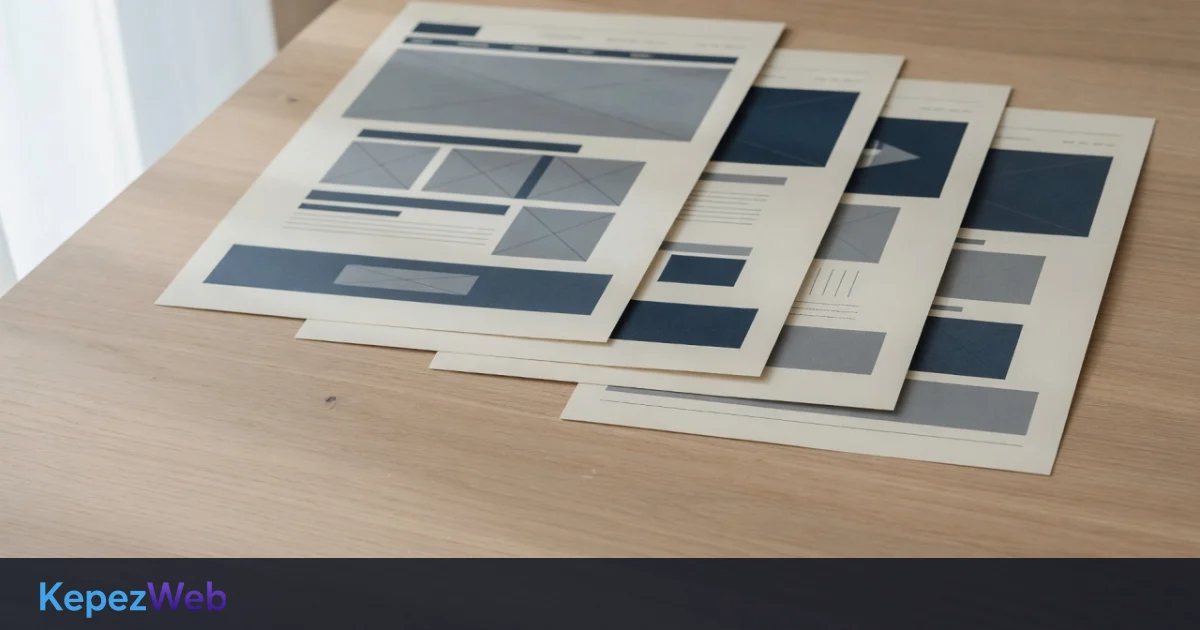
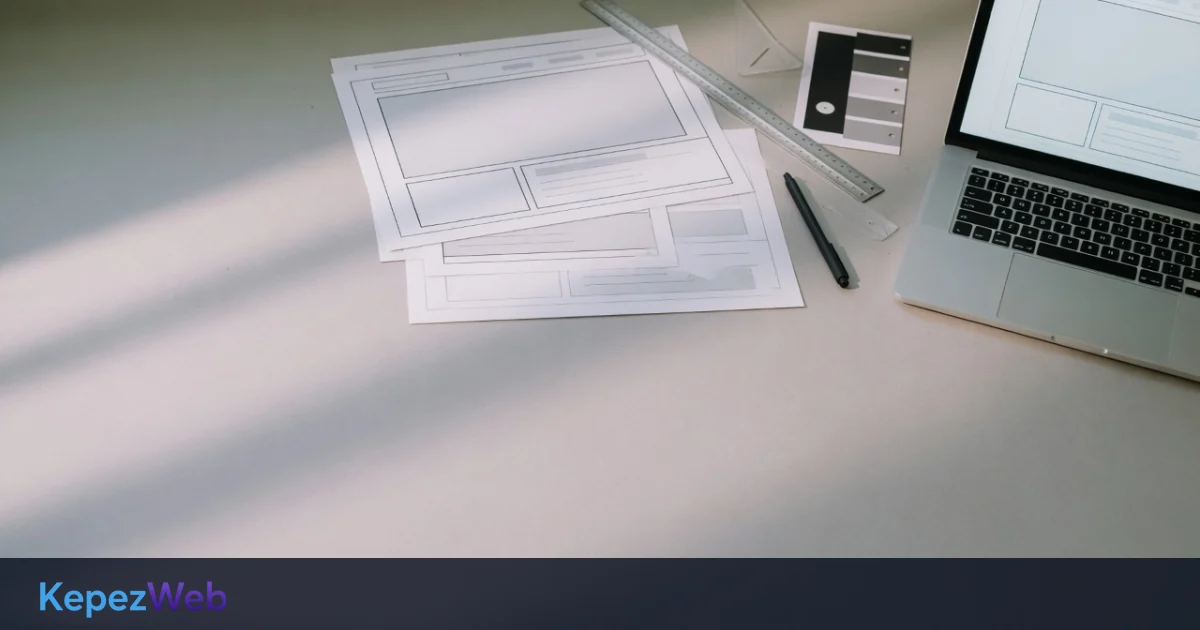
- Prepare wireframes and design mockups.
- Use a mobile-first approach.
- Address accessibility requirements, such as WCAG 2.1.
- Update colours, typography and visual identity where needed.
Phase 3: Development and SEO Preparation (3–8 Weeks)
- Build the agreed foundation using custom development or a suitable CMS.
- Map changed URLs to their relevant replacements with 301 redirects.
- Write useful page titles, descriptions and H1–H2 headings.
- Add appropriate structured data.
- Update sitemap.xml and robots.txt.
- Check Core Web Vitals: LCP, INP and CLS.
Phase 4: Testing and Quality Review (1–2 Weeks)
- Check links with tools such as LinkChecker or Screaming Frog.
- Review mobile and desktop layouts.
- Test relevant browsers, including Chrome, Firefox, Safari and Edge.
- Measure speed with PageSpeed Insights or GTmetrix.
- Test forms, payment flows and essential functionality.
Phase 5: Launch and Monitoring (4–12 Weeks After Launch)
- Launch during a lower-traffic period where practical.
- Submit the new sitemap in Google Search Console.
- Update Bing Webmaster Tools as appropriate.
- Monitor traffic, errors and conversions closely during the first 48 hours.
- The time needed for rankings to adjust varies; regularly monitor indexing and redirect errors.
Reducing SEO Risk During a Website Redesign
A migration can lose search visibility if important URLs, content or indexing settings are mishandled. Reduce the risk with these steps:
- Map 301 redirects: Send changed URLs to relevant replacements, not indiscriminately to the homepage.
- Keep useful URLs: Avoid unnecessary changes. Keep migration redirects for at least a year, and longer where users or external links still depend on them.
- Preserve valuable content: Improve high-performing pages without removing information that visitors need.
- Protect backlink destinations: Ensure linked pages remain available or redirect to relevant equivalents.
- Refresh carefully: Update facts and sources where needed, without replacing useful content simply to follow a trend.
Website Redesign Cost Factors in 2026
The budget depends on scope and complexity. Our website pricing guide provides further context. Typical factors include:
- Small business website (5–15 pages): Content migration and template renewal scope
- Medium website (15–50 pages): Page types, languages and integration workload
- Ecommerce or larger business site (50+ pages): Catalogue, data migration and custom workflows
Your choice of WordPress or custom development also affects cost. Compare setup, maintenance and future changes rather than assuming one is always the better investment.
After the Redesign: First Steps
Once the new website is live:
- Confirm Search Console verification and submit the updated sitemap.
- Inspect important pages with the URL Inspection tool.
- Check conversion events and analytics tracking.
- Update links used in social media and email campaigns.
- Confirm that old backlink destinations resolve correctly.
- Review performance weekly while the migration settles.
Frequently Asked Questions
Is a traffic drop during a redesign normal?
Traffic may fluctuate after migration; do not assume every decline is temporary. Correct 301 redirects reduce the risk of loss, but neither the timing nor extent of recovery is guaranteed. If traffic disappears entirely, check your 301 redirects.
How long should I keep the old website live?
Keep it live until the replacement is ready and tested. After the cutover, keep required redirects for at least a year and retain them longer if old links still receive visits.
Should I migrate the blog?
Yes, where its content remains useful. Preserve URLs where possible, redirect changed ones and review articles rather than deleting them without considering their value.
How long do rankings take to settle?
The timeframe depends on the scope of changes and the search engine’s reassessment of pages. No specific recovery date can be given; monitor technical errors and content changes.
Conclusion: Do You Need a Full Redesign?
If several warning signs apply, consider a structured review before committing to a rebuild. Some sites need focused improvements; others need a new foundation. Careful planning and SEO migration work reduce avoidable risk. Our professional web design services can help businesses in Turkey and international markets assess the right route.
Unsure what your site needs? Ask us for a free initial review and a tailored project discussion. Quotes are specific to your requirements and carry no obligation.